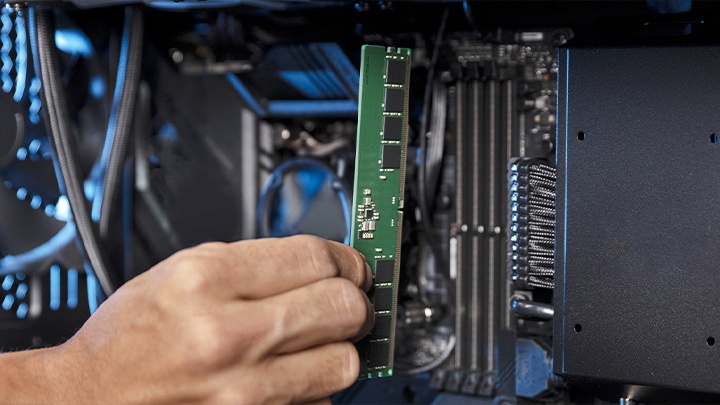
Enterprise - Blog / Knowledge Centre
-

How to test an enterprise SSD part 1: Use your exact environment with real data, apps and hardware
SSD test beds for enterprise servers should be done with the real hardware, OS and data. We’ll explain why.
-
How Memory Fits Into The Virtualisation Space
Key drivers for IT adoption include the many benefits in virtualising a data center and consolidating server hardware.
-

Mission Digital enhances their workflows with DC600M SSDs
Learn how Kingston SSDs transformed Mission Digital’s workflow with speed and capacity.
-

Emailed password-protected documents: the new and silent breach
Kingston examines how to secure sensitive files with the increasing vulnerability of email.
-

Enhance small business cybersecurity with Kingston Ironkey
Kingston IronKey has hardware options to protect small and medium businesses against cybercrime.
-
Kingston DC600M data center SSD: Now VMware ESXi and vSAN compatible
Elevate your data center with Kingston's VMware compatible DC600M enterprise SSDs.
-
Enterprise-grade versus military-grade security: what’s the difference?
Enterprise-grade and military-grade digital security: two high standards with different requirements.
-

A secure cloud in your pocket: hardware-encrypted drives for travelling lawyers
Learn how hardware encryption can protect a travelling lawyer’s confidentiality with secure file storage.
-

Unlocking the power: 5 reasons for using data center SSDs
Server SSDs have higher endurance, better reliability and improved performance over client SSDs.
-

Upgrading RAM for HP, Dell, Lenovo and Acer laptops and desktops
Why you should upgrade your RAM to extend the life of your system rather than replace it.
-

Encrypted USB flash drives: Cheaper than legal fees
Invest in encrypted drives so you do not incur expensive legal fees if they are lost or stolen.
-

NVMe is the silent IT revolution – what is it, and why you should adopt it?
Learn about NVMe and why choosing it is beneficial to your organisation’s infrastructure.