Kingston Knowledge Center
Learn about memory and storage products, the latest technology trends, tutorials and best practices for both personal and enterprise users.

-

Performance Photographer Ralph Larmann in the Digital Darkroom
Kingston storage solutions help improve performance photographer Ralph Larmann’s workflow.
-

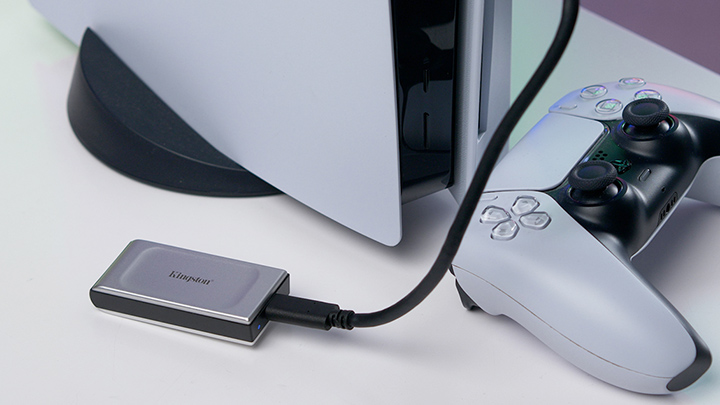
Why You Should Upgrade Your PS5 with Internal and External SSDs
We discuss the advantages of upgrading a PS5 with both internal and external SSDs.
-

How Did Kingston SSDs Help DASH Pictures Transform On-location and Post-production Workflows?
DASH Pictures enhances their media production efficiency with Kingston SSDs.
-

Enterprise-Grade versus Military-Grade Security: What’s the Difference?
Enterprise-grade and military-grade digital security: two high standards with different requirements.
-

Overclocking Memory for Adobe Applications
Learn how Kingston FURY helps work PCs run faster in Adobe Photoshop, and Premiere Pro.
-
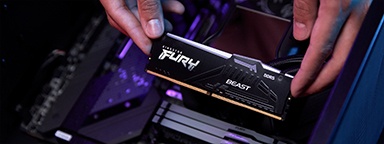
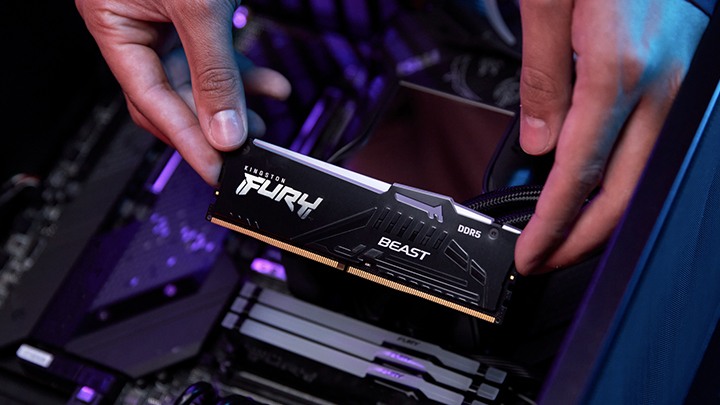
The Ultimate RAM Guide for Gamers
A guide to what you need to know and understand as a first-time RAM buyer.
-

IP Ratings for a Product’s Resistance to Water, Dust, and More Explained
We explain the meaning behind IP (ingress protection) ratings for water and dust resistance.
-

More for Less: Why Is Upgrading Important in Today's Economic Climate?
Discover why upgrading your technology in this economy matters more than ever.
-
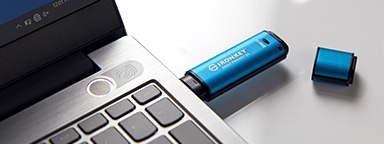
A Secure Cloud In Your Pocket: Hardware-Encrypted Drives for Traveling Lawyers
Learn how hardware encryption can protect a travelling lawyer’s confidentiality with secure file storage.
-

What to Do if Your SSD Is Full
Limited storage capacity can cause poor performance. Here is how to get space on your SSD.
-

Non-Binary Memory FAQs
Get to grips with non-binary memory with the answers to these common questions.
-

Benchmarks - Overclocking RAM For More FPS
Improving memory performance with overclocking can make improving FPS across multiple games a snap.