Gaming - Kingston Knowledge Center
Read our articles on how Kingston FURY’s high-performance gaming memory and storage can take you to the next level.
-

SSD cooling: Do M.2 NVMe SSDs need a heatsink?
Do SSDs need cooling? Learn when NVMe SSDs need a heatsink and how to prevent throttling.
-

What is CAS latency? CL and RAM timings explained
Understand CAS latency, its impact on computer performance and how to choose the right memory.
-

Choosing a microSD card for your Nintendo Switch
It comes with 32GB of internal storage, expandable with a microSD card that will hold more games. But how do you pick a card?
-

How do I live stream games? Beginner’s guide to video game streaming
Learn about top games, streaming platforms and beginner tips for game streaming.
-

Intel Gear Modes demystified
What are Intel Gear Modes, and how do they relate to RAM? Kingston explains.
-

Replacing a Steam Deck’s SSD
Learn how to upgrade your Steam Deck with Kingston’s comprehensive guide.
-

What is a PCIe Gen5 SSD?
What makes a Gen5 PCIe SSD different from its predecessors? Kingston explains.
-
The ultimate memory guide to AMD Ryzen for gaming
Optimise AMD Ryzen performance with DDR4 and DDR5 RAM, EXPO profiles and configurations tips.
-

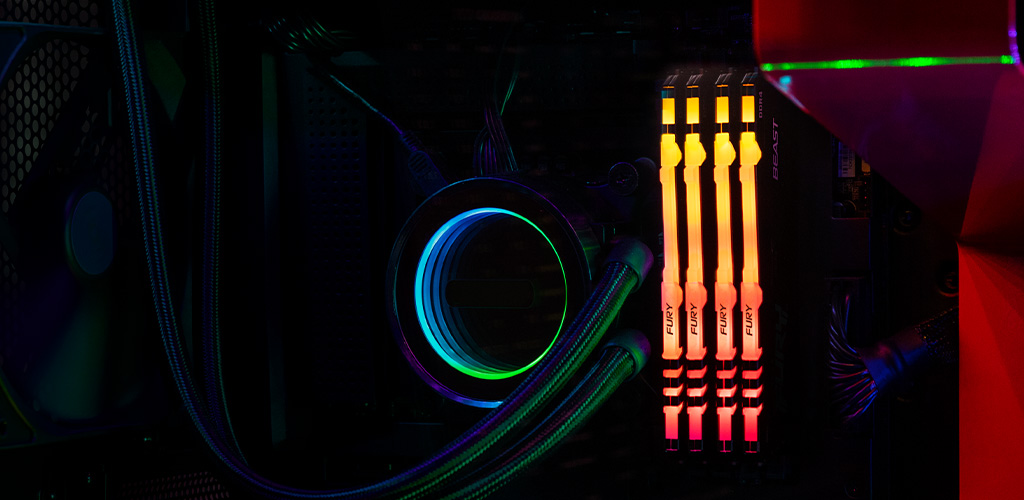
How to add RGB lighting to your gaming PC
The ultimate RGB guide to help you get your system just how you want it.
-

What is AEMP?
AEMP is a helpful tool for getting the most out of your memory modules. Kingston explains how.
-

PCIe SSD generations: Performance and why it matters
Discover the differences between PCIe Gen 3, 4 and 5 SSDs and which one is best for you.
-

How much memory do you need for gaming?
Having the right amount of memory is essential for smooth gaming performance.