Mobile Lifestyle - Kingston Knowledge Centre
Learn about the portable storage and connectivity solutions for getting work done away from the office. Read about the benefits of portable flash storage and hubs for use with laptops and smartphones.

-

How to Choose Storage for a GoPro Camera
We help you pick the best microSD card for your GoPro.
-
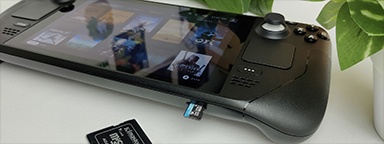
Additional storage for your Valve Steam Deck
Valve’s Steam Deck uses microSD cards for expanded storage. Which one is right for you?
-
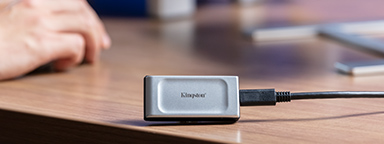
What is USB 3.2 Gen 2x2?
It’s a multi-lane operation for new hosts and devices using the USB-C® connector.
-

Choosing storage for your Android device
First, look for Class A1 or Class A2 markings. As for capacity, microSD cards can hold up to 512GB of storage.
-

Understanding video games age ratings
How do you know if the video games that they are playing are age appropriate?
-

How to setup parental controls on your PC or Mac
Setting parental controls on your computer doesn’t have to be complicated, here is how.
-

21st Century Private Diary
Write your diary digitally with a password protected, cloud backup solution.
-

How to repurpose your old laptop for children
A step by step guide on how to repurpose your old laptop for your children to study, watch videos or even play games.
-

What is the difference between hardware vs software-based encryption for encrypted USB flash drives? - Kingston Technology
There are many advantages to using a dedicated hardware encryption processor in USB flash drives.
-

Understanding the naming conventions and labels of SD and microSD cards
How can a SD or microSD card be rated at both C10 and U3 if one means 10MB/s and the other means 30MB/s? Let us explain.
-
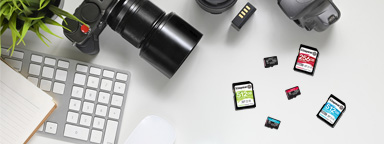
A guide to SD and microSD card types
What is the difference between SDHC and SDXC cards? We help you choose the right card for cameras, drones, phones and more.
-

How to use a USB flash drive on Windows PC
Learn how to find the drive in Windows Explorer, open files, and copy files to and from a USB flash drive on Windows 10.