Personal Storage - Kingston Knowledge Centre
Learn about the benefits of storage solutions like SSDs, USB flash drives and memory cards. Read about the latest storage technology for cameras, smartphones, drones and more.

-
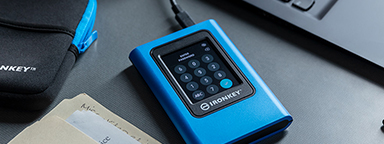
Setting Up Kingston IronKey™ Vault Privacy 80 External SSD
How to use your IronKey Vault Privacy 80 External SSD: set password, connecting to a PC and more.
-

6 simple backup tips for your computer
Follow these tips to find out how to back up your data and be ready for unpredicted events.
-

How to Choose Storage for a GoPro Camera
We help you pick the best microSD card for your GoPro.
-

Maintaining your SSD’s health using SMART monitoring
A look into SMART monitoring, Kingston SSD manager and other ways to maintain an SSD’s health.
-
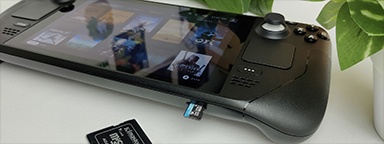
Additional storage for your Valve Steam Deck
Valve’s Steam Deck uses microSD cards for expanded storage. Which one is right for you?
-

Upgrade your PC to streamline your workflow
Take advantage of these upgrades to streamline your workflow.
-
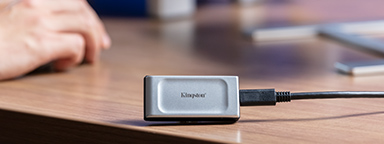
What is USB 3.2 Gen 2x2?
It’s a multi-lane operation for new hosts and devices using the USB-C® connector.
-

The best storage options for gaming consoles
This article will look at some of the best storage options available for your gaming console.
-
Types of SSD form factors
When selecting an SSD, you must know which form factor you need. M.2, mSATA or SATA?
-
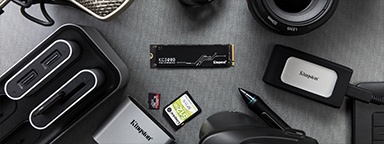
The best storage options for creatives and when to use them
Here we look at the best storage options for creatives - memory cards, SSDs, HDDs and the cloud.
-

Choosing storage for your Android device
First, look for Class A1 or Class A2 markings. As for capacity, microSD cards can hold up to 512GB of storage.
-

Choosing storage for your dashcam
Storage is a crucial part when using a dashcam and high-endurance cards are designed especially for heavy use.