Personal Storage - Kingston Knowledge Centre
Learn about the benefits of storage solutions like SSDs, USB flash drives and memory cards. Read about the latest storage technology for cameras, smartphones, drones and more.

-
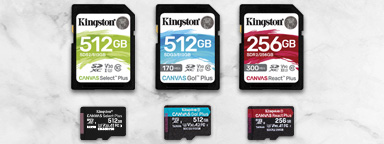
A guide to speed classes for SD and microSD Cards
What does Speed Class C10 mean? What is a UHS Class and V Class? It relates directly to how fast the device needs to write the data.
-

Understanding file systems and drive formatting
Choose the best file system to keep your USB drives, SSDs and SD cards compatible.
-

How to Upgrade Your MSI Claw’s SSD
Replace your MSI Claw’s SSD: the process from start to finish.
-

The future of the USB standard
An examination of the past, present and future USB standards.
-

How to create a bootable USB drive for Windows
Learn how to create a bootable USB on Windows 11 with tools, steps and tips.
-

Getting the most out of your external SSD: Gaming, editing, backup
Explore external SSD uses for gaming, video editing, backups and portability.
-

SSD cooling: Do M.2 NVMe SSDs need a heatsink?
Do SSDs need cooling? Learn when NVMe SSDs need a heatsink and how to prevent throttling.
-

Choosing a microSD card for your Nintendo Switch
It comes with 32GB of internal storage, expandable with a microSD card that will hold more games. But how do you pick a card?
-
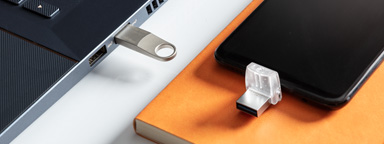
What’s the Difference between USB 3.0, 3.2 Gen 1 and 3.2 Gen 2?
USB 3.1 Gen 1 supports speeds of up to 5Gbit/s, while USB 3.1 Gen 2 supports speeds of up to 10Gbit/s.
-

Replacing a Steam Deck’s SSD
Learn how to upgrade your Steam Deck with Kingston’s comprehensive guide.
-

Organising your media collection
Kingston provides advice on making your family media collection efficient and user friendly.
-

Speed up your PC with Windows 11
This latest version can use a lot of memory, so optimise your computer’s performance with these tips.


