Kingston FURY - Blog / Knowledge Centre
-

What is Microsoft DirectStorage and how does it improve PC gaming?
PC gaming’s new must-have app is a tool for better game performance: Microsoft DirectStorage.
-

How to get into PC gaming: A guide for console players
Switching is easier than you think. Here are a few similarities you should know about.
-

PC or console? What’s your preference?
The pros and cons of PCs vs consoles for gaming, considered point by point.
-
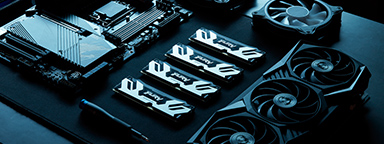
Choosing the right components for overclocking
How do you choose the components to overclock your PC? Make an informed choice with our detailed guide.
-
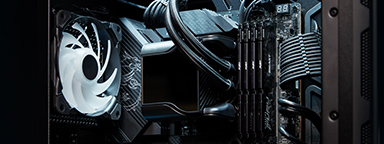
How to upgrade your PC with RAM
Unlock your PC's gaming potential with Kingston memory: we show you how to install new RAM modules!
-

How to build your own PC
How easy is it to build your own PC? With Kingston’s help, a little easier than before.
-

Work and Play: Why You Should Edit Photos and Videos with a Gaming PC
Gaming PCs meet the high-performance specs for tasks like video editing and photo editing.
-

What do SSDs do for gaming?
Why are SSDs better for gamers? What Xbox and PS5 owners should know.
-

How to make your gaming PC quieter
Is your PC noise disturbing your gaming experience? Here are some causes and how to solve them.
-
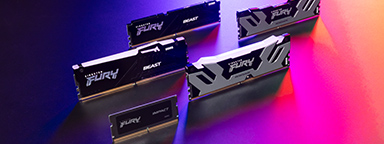
How to Choose the Best RAM for Overclocking
Not all motherboards can overclock the memory. You must also consider XMP vs Plug N Play.
-

The best storage options for gaming consoles
This article will look at some of the best storage options available for your gaming console.
-

Understanding video games age ratings
How do you know if the video games that they are playing are age appropriate?