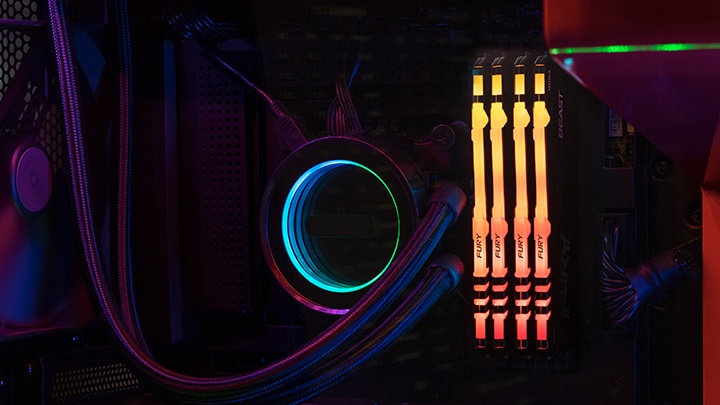
When building or buying a gaming PC, the typical user will look for certain aspects: the power, the look and storage space. However, another point you should consider is the noise the system makes to function. After all, no one wants a loud PC! Excessive noise could be due to poor components, worn recycled products from an older system, or just the amount of time you have had the system without any maintenance. A loud system can be irritating to the user. Some of the reasons that this could happen may potentially damage the hardware inside. With our tips, you will find out some of the causes and solutions on how to make your PC quieter.

How to make your gaming PC quieter
Jun 2022
Clear the dust from your system
A frequent culprit behind system noise is the fan. Dust build-up is common, so it’s always good practice to regularly clean the fans for optimal performance and heat management. If dust isn’t the problem, then the hardware itself is to blame. Worn bearings, broken fins, or misalignment could be the issue. Fans are an important part of your system, so whether you have purchased them with the system or put them in yourself, an upgrade to quieter fans may be necessary. Go for fans with magnetic or fluid dynamic bearings (FDB), and high pressure, silence optimised fan blades. These are generally more expensive, but your ears will thank you!
Check your power!
One of the common PC build mistakes that beginners make is not working out how much power the system will need. It may be the power supply that is causing issues, not the quality of the fan you have decided to go with. Power supplies are graded with the 80 Plus rating system which will help decide what is best for your machine. You should always find out how much power your chosen hardware will use before purchasing, otherwise the power supply will heat up and create a lot of noise when overworked. A tip is to always purchase slightly more wattage than you need just to be safe.
Not so fast! Check your fan speed!
Are your fans running at high speed all the time? Another reason why you’re getting excess noise is overheating. The answer: enhance the airflow within the computer casing. One way of doing this is swapping out the casing you currently have with a more ‘air friendly’ design, which will naturally cool down the hardware inside. There are many case options that can provide more optimal airflow. You can aid your airflow by optimising the number of fans you have and adjusting the configuration. The best practice is generating and pushing air towards your components to cause positive pressure, which is promptly ejected out of the system. Additionally, using PWM (Pulse-width Modulation) allows all your fans to be controlled automatically based on the temperature of the system. You can also manually play with the fan curve to keep noise to a minimum.
Be cool!
Using AIO (all-in-one) liquid cooling could lower the noise level of your system as AIOs use radiators mounted in your system, substituting for traditional fan-based CPU cooling. An AIO utilises the same space that you would normally mount your case fans. The functionality of the case fans stays the same but cool air is passed over the radiator to cool the CPU quietly!
Time to make the switch…
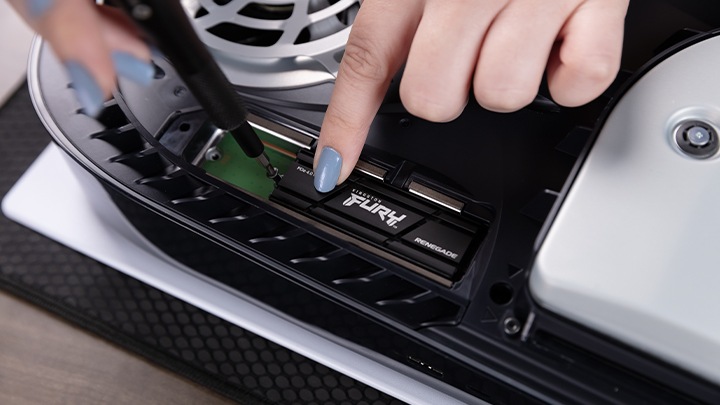
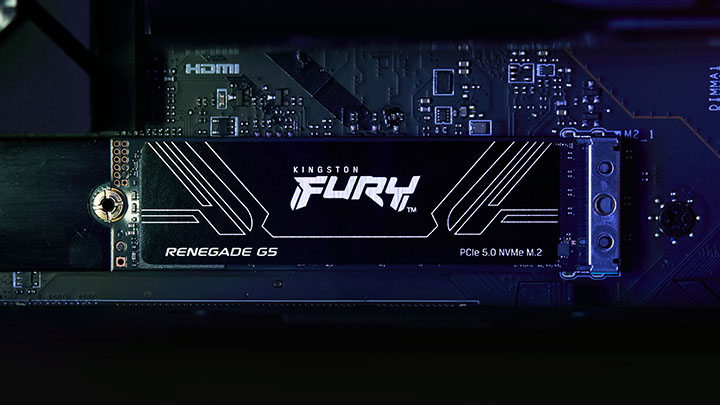
The final, and one of the most obvious changes you should make to have a quieter gaming PC, is to switch from an HDD to an SSD. SATA hard drives are noisy but an SSD (Solid-State Drive) upgrade will significantly reduce noise. SSDs don’t use any spinning discs or other moving parts to store data, only circuits, so there’s generally no sound. If you do decide to switch to a solid-state drive, then why not upgrade your storage capacity as well?
Kingston provides an excellent gaming option for your system. Kingston FURY Renegade PCIe 4.0 NVMe M.2 SSD is a high capacity drive for gaming enthusiasts wanting optimal performance. With speeds up to 7,300MB/s read, 7,000MB/s* write and capacities from 500GB to 4TB** you will be able to store huge amounts of games and media effortlessly.
#KingstonIsWithYou #KingstonFURY
Kingston Product Finder
When you start with Kingston, choosing memory is easy.
With over 35 years of expertise, Kingston has the knowledge and resources you need to choose memory with confidence.
Search by System/Device
Simply enter the make and model number or system part number of the computer system or digital device to find the Kingston products you need.
Search by Part Number
Search by either the Kingston part number, distributor part number or manufacturer equivalent part number.
Related Products
-

- Ideal for gamers and PC enthusiasts
- PCIe 4.0 NVMe M.2 2280
- 1TB, 2TB, 4TB
- Up to 7,300MBs/ read, 7,000MB/s write
-
- Ideal for gamers, enthusiasts and high-power users
- PCIe 5.0 NVMe M.2 2280
- 1024GB, 2048GB, 4096GB, 8192GB
- Up to 14,800MB/s read, 14,000MB/s write
-
- Customisable RGB lighting effects
- Engineered to maximise performance
- Module capacities in 16GB, 24GB, 32GB, 48GB
- Kit capacities in 32GB, 48GB, 64GB, 96GB
- Speeds up to 8800MT/s
-
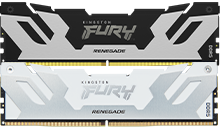
- Engineered to maximise performance
- Tap into extreme overclocking potential
- Module capacities in 16GB, 24GB, 32GB, 48GB
- Kit capacities in 32GB, 48GB, 64GB, 96GB
- Speeds of up to 8800MT/s




Related Articles
-
How to Choose the Best RAM for Overclocking
Not all motherboards can overclock the memory. You must also consider XMP vs Plug N Play.
-
MT/s vs MHz: A better measure for memory speed
MT/s is the accurate measure for DDR SDRAM memory transfers that happen on both the rising and falling edges of the clock cycle, not MHz.
-
Choosing the right components for overclocking
How do you choose the components to overclock your PC? Make an informed choice with our detailed guide.
-

How to build your own PC
How easy is it to build your own PC? With Kingston’s help, a little easier than before.
-

Can you Build a Gaming PC in a Rackmount Case?
Build a rackmount gaming PC for better airflow, space savings, and neat cabling.
-

What Are the Advantages and Disadvantages of Cloud Gaming?
Is cloud gaming worth switching to? Discover the key pros and cons before you decide.
-

Upgrade Your ROG Xbox Ally’s SSD
Learn how to install a new SSD in your ROG Xbox Ally with this step-by-step guide.
-

How to Keep Your PS5 Cool: Overheating Fixes & Heatsink SSD Explained
Prevent PlayStation 5 overheating and learn how heatsink SSDs support stable performance.