Kingston’s Knowledge Centre
Learn about memory and storage products, the latest technology trends, tutorials and best practices for both personal and enterprise users.

-

Evaluating storage products for your enterprise needs
Choosing storage products for your enterprise is a complex process. Kingston offers our expertise.
-

Secure data in transit
HIPAA requires healthcare organisations to keep patient data safe at all times, including in transit.
-
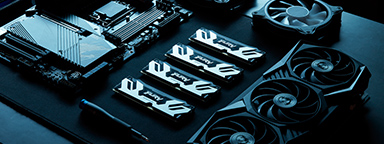
Choosing the right components for overclocking
How do you choose the components to overclock your PC? Make an informed choice with our detailed guide.
-
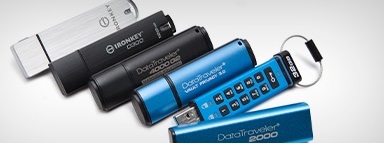
NYDFS 23 NYCRR 500 Cybersecurity Requirements
This requires encryption of sensitive data, appointing a Security Officer, cyber security programmes and policy adoption.
-

Security for all sizes – Proactive protection from SME to enterprise!
Kingston IronKey encrypted USBs are a security consideration for organisations of all sizes.
-

Photography in a snapshot
Thoughts from a pro photographer on Kingston memory cards and other photography gear.
-
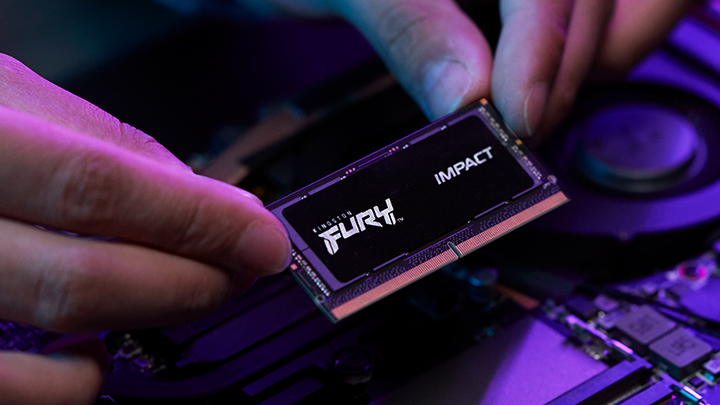
How to upgrade your laptop with RAM
Older laptops with bad gaming performance should be upgraded with more RAM. We show you how.
-

USB storage: Does hardware encryption prevent risks?
We compare unencrypted and encrypted USB drives and explain how to keep data secure!
-

How an energy specialist protected their partner's IP with Kingston IronKey
Learn how Kingston IronKey is protecting the intellectual property with customisation.
-

Optimising storage in a creative world
Learn how Kingston and QNAP solutions help to optimise content creation.
-
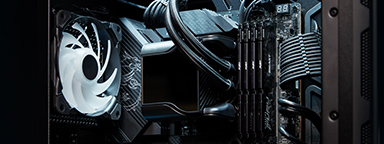
How to upgrade your PC with RAM
Unlock your PC's gaming potential with Kingston memory: we show you how to install new RAM modules!
-

5 ways to make Photoshop run faster
Upgrading your RAM and closing other programs are just a few ways to improve performance.