Kingston’s Knowledge Centre
Learn about memory and storage products, the latest technology trends, tutorials and best practices for both personal and enterprise users.

-
Choosing a microSD card for your Nintendo Switch
It comes with 32GB of internal storage, expandable with a microSD card that will hold more games. But how do you pick a card?
-

Turning data into insight: Kingston’s role in smarter manufacturing
Kingston and Taiwan Intelligent Robotics Company highlight smart manufacturing and AI, powered by Kingston’s trusted technology.
-
What’s the Difference between USB 3.0, 3.2 Gen 1 and 3.2 Gen 2?
USB 3.1 Gen 1 supports speeds of up to 5Gbit/s, while USB 3.1 Gen 2 supports speeds of up to 10Gbit/s.
-

How do I live stream games? Beginner’s guide to video game streaming
Learn about top games, streaming platforms and beginner tips for game streaming.
-

Intel Gear Modes demystified
What are Intel Gear Modes, and how do they relate to RAM? Kingston explains.
-

Replacing a Steam Deck’s SSD
Learn how to upgrade your Steam Deck with Kingston’s comprehensive guide.
-
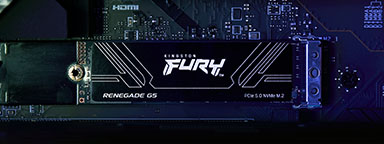
What is a PCIe Gen5 SSD?
What makes a Gen5 PCIe SSD different from its predecessors? Kingston explains.
-
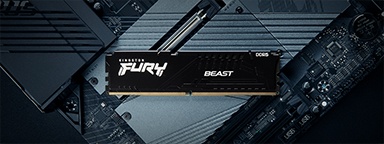
The ultimate memory guide to AMD Ryzen for gaming
Optimise AMD Ryzen performance with DDR4 and DDR5 RAM, EXPO profiles and configurations tips.
-

Organising your media collection
Kingston provides advice on making your family media collection efficient and user friendly.
-
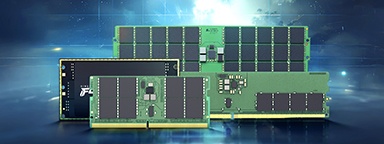
Understanding a new generation of DDR5 memory modules: CUDIMM, CSODIMM, CAMM2 and MRDIMM
Learn how innovative memory solutions are transforming laptops, desktops and data centers.
-

How to add RGB lighting to your gaming PC
The ultimate RGB guide to help you get your system just how you want it.
-

Optimise server storage with PCIe Gen5 SSDs for AI and big data
Explore how SSDs are transforming data centers with advanced technology and performance.