SSD - Blog / Knowledge Center
-

NVMe Is the Silent IT Revolution—What Is It, and Why Should You Adopt It?
Learn about NVMe and why choosing it is beneficial to your organization’s infrastructure.
-

PC or Console? What’s Your Preference?
The pros and cons of PCs vs consoles for gaming, considered point by point.
-
Top 6 Reasons to Upgrade to an NVMe SSD
Increased speed and better power efficiency are just two of the benefits.
-
What is the difference between PCIe Gen 3 and PCIe Gen 4?
PCIe Gen 4 accommodates full bandwidth that is possible with NVMe SSDs tech.
-

How to Recover Deleted Files on Windows and MacOS
Losing important files on your system can be a pain. Here are some file recovery options to try.
-

How do you backup your computer? Windows and Mac drive backup
There’s a few different ways to backup your Windows and Mac drives and they can be either online or local. We’ll show you how.
-

Kingston and Signpost Deliver Products at Speed with a Customer-First Mindset
Learn why Signpost chose Kingston SSD and memory to support their education solutions.
-

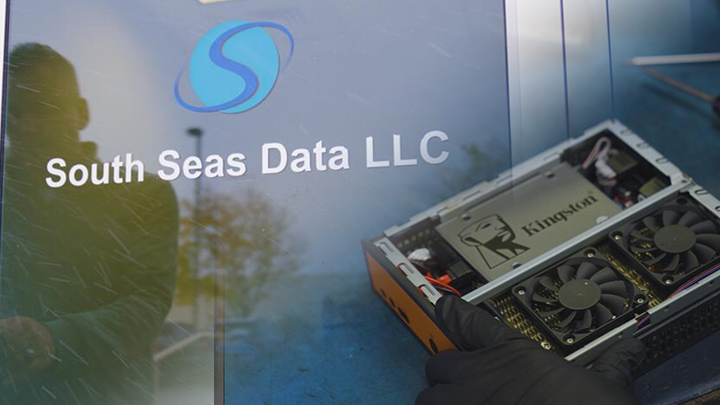
How a Tech Services Provider Built a Reputation for Reliability with Kingston Memory and SSDs
South Seas Data earned its success as a tech services provider with reliable parts from Kingston.
-

Optimizing Storage in a Creative World
Learn how Kingston and QNAP solutions help optimize content creation.
-

5 Ways to Make Photoshop Run Faster
Upgrading your RAM and closing other programs are just a few ways to improve performance.
-

How to Build Your Own PC
How easy is it to build your own PC? With Kingston’s help, a little easier than before.
-

Encrypted Storage for Creatives
Encryption is an incredibly helpful option for creatives to protect their clients’ important files.