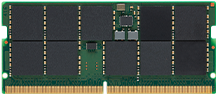
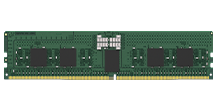
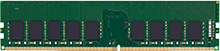
Choosing the right server memory is one of the most important decisions when setting up or upgrading a server. It directly affects server performance, reliability, and the ability to scale as workloads grow. Yet with so many memory modules, technologies, and configurations available, it can be difficult to know what to buy.
To make the process easier, we’ve put together 10 essential tips for buying server memory, covering everything from compatibility and performance to reliability, cost, and futureproofing. By the end, you’ll have a clear framework to confidently select the right memory modules for your servers and buy with peace of mind.
1. Memory types
Before anything else, verify what memory technology your server uses, DDR4 or DDR5, as these two technologies are not interchangeable.
If you’re adding more memory to an existing system, you may need to match the type of memory already installed. For new builds, choosing a DDR5-based server is recommended, as DDR4 is being discontinued by suppliers while DDR5 will be available for many years to come, making future upgrades easier, and extending the usable life of your server.
It’s also important to consider the memory module types. Servers typically use one of these three:
- RDIMMs (Registered DIMMs): The most common choice, offering a balance of performance, stability, and cost. Available for DDR4 and DDR5.
- LRDIMMs (Load Reduced DIMMs): Designed for larger capacity DDR4 configurations, they reduce the electrical load on the memory controller to allow higher total memory per server and at lower total latencies than RDIMMs.
- MRDIMMs (Multiplexed Rank DIMMs): The newest option for DDR5, they deliver higher bandwidth for workloads that demand extreme performance.
These types are not interchangeable and mixing them in the same system can prevent a server from booting. Make sure you’re selecting the generation and type supported by your platform and keep all modules consistent across channels for the best performance. If in doubt, consult your server’s manufacturer documentation or our memory configurator tool to help you choose the supported modules for your system.
2. Capacity planning for your workloads
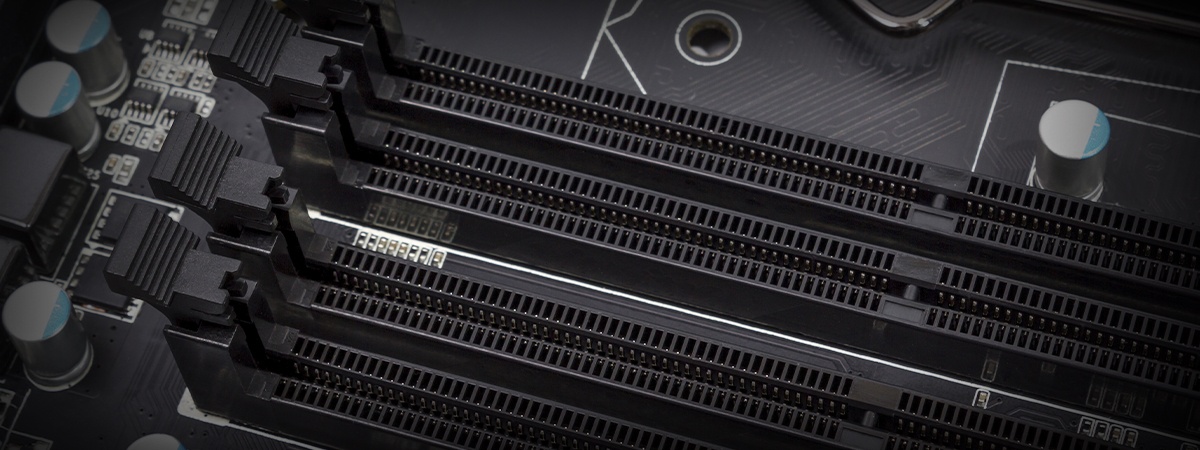
Server memory decisions should always start with capacity planning. Your applications and workloads should guide you on how much memory capacity to target. You’ll also need to check the memory channel architecture, your server features, and how many DIMM sockets are available. Server processors are designed to aggregate the bandwidth of identical groups of modules, and multi-processor servers should have identical memory populations to optimize and balance performance.
Look at the per-module sizes available for your platform (e.g., 32GB, 64GB, 96GB, 128GB) and map this against the number of DIMM sockets available to the memory channel architecture. It’s not just about filling all sockets; you also need to think about provisioning for future scaling. If your project requires 256GB today but may double within two years, it’s smarter to install larger DIMMs now and leave sockets free for expansion. Filling every socket with smaller modules might seem cost-effective at first, but it leaves no flexibility when workloads grow in the future.
It’s also important to note that filling every socket may affect memory performance. Most servers that feature multiple groups of sockets per processor limit the memory speed if the second or third group of sockets are populated. If your applications are memory-bound and benefit from higher bandwidth, unnecessarily compromising memory performance may result in increased latency or worse, lost revenue.
Not all applications require high performance memory, some may favor higher memory capacities. These are not mutually exclusive but knowing how your applications utilize hardware will be key in making the right decisions on memory configuration.