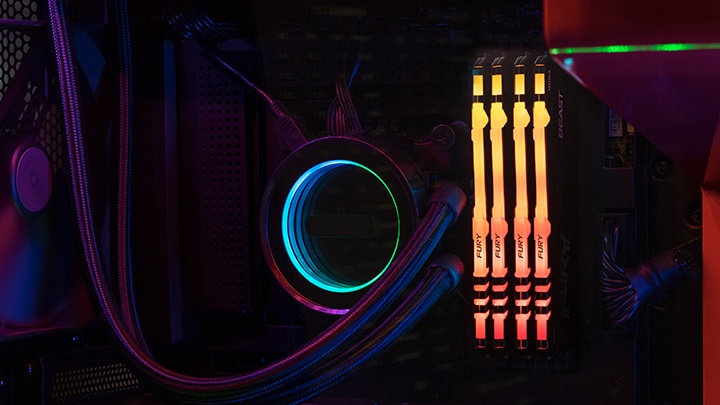
CAS latency is a technical term you’ll often come across when comparing different types of RAM, but it’s not always explained in the clearest way. In simple terms, CAS latency (Column Address Strobe latency) refers to the delay between when your system’s memory controller requests data from the RAM and when that data becomes available.
In this guide we'll break down how memory timings, CAS latency and speed actually work, and how to know what RAM you need to buy based on your needs.
What is CAS latency?
Before diving into the details, it’s important to understand that memory for PCs generally comes in two types: industry standard and overclockable. Industry standard memory conforms to the speeds, timings, and voltages set by the JEDEC standards body, and these are the specifications all computers are built to comply with.
Overclockable memory is built with more aggressive timings than industry standard memory and generally has lower CAS latency values, but often with higher voltages and other aggressive timings that exceed industry standard specifications. Overclockable memory generally only work in computers that are built to support modified speeds, timings, and voltages.
CAS latency (also known as CL) is a key timing value that is programmed into your RAM. It refers to the amount of time your RAM takes to start delivering data after the CPU asks for it. In practical terms, think of it like asking a librarian for a book; the number tells you how many seconds it takes before they hand it to you. The lower the number, the faster your system responds.
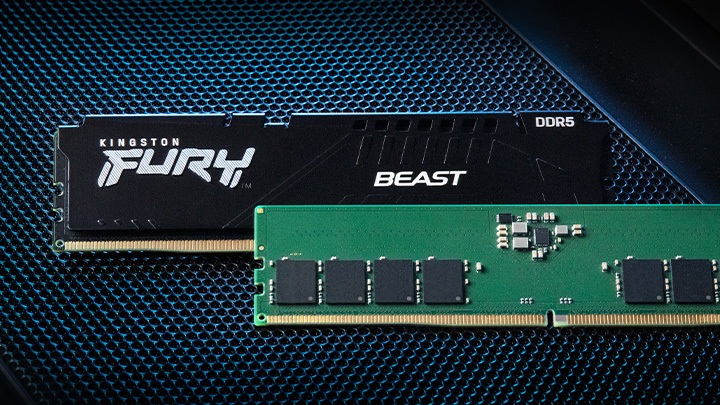
Let’s take our Kingston FURY Beast DDR5 6000MT/s RAM with a CAS latency of CL30. That means your system takes 30 clock cycles from the time the memory controller sends out a read command until the data becomes available, where a clock cycle is the unit of time your CPU and RAM use to coordinate tasks. And since the latency is measured in cycles rather than time, the actual delay in nanoseconds depends on the RAM’s clock speed.
How to calculate the total latency in nanoseconds?
Total latency (also referred to as true latency) is measured in nanoseconds (ns) and is the total amount of time for the data request from processor to memory to be complete. CAS latency (CL) is one important value, measured in clock cycles, but you also need to consider the RAM’s clock speed or data rate. This is because faster RAM completes each clock cycle more quickly. As a result, a higher CAS latency value on faster RAM can still produce a lower actual delay when compared to slower RAM with a lower CL number. For example:
- A RAM module running at 6000MT/s with a CL30 has a total latency of about 10 nanoseconds.
- Meanwhile, a faster RAM module running at 7600MT/s with a CL38 has a similar delay despite the higher speed.
This shows why looking at CAS latency alone doesn’t give the full picture. Two RAM kits with very different CL values can deliver similar performance depending on their speed.
To find the total latency of RAM in nanoseconds, you can use this formula:
CAS latency × (2000 ÷ RAM speed in MT/s) = total latency (ns)
Using the examples above:
- A 6000MT/s RAM kit with CL30 has an actual total latency of:
30 × (2000 ÷ 6000) = 10 ns - A faster 7600MT/s kit with CL38 results in:
38 × (2000 ÷ 7600) is also 10 ns
This is why understanding memory speed and latency timings together is essential for choosing the right overclockable memory. Real-world performance depends on the balance between these two factors, not just on the CAS latency number alone.