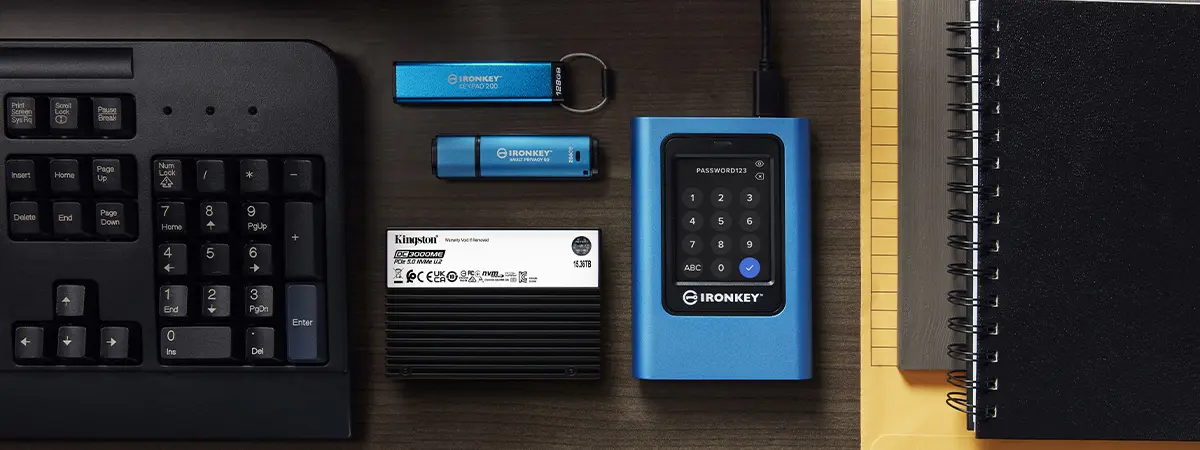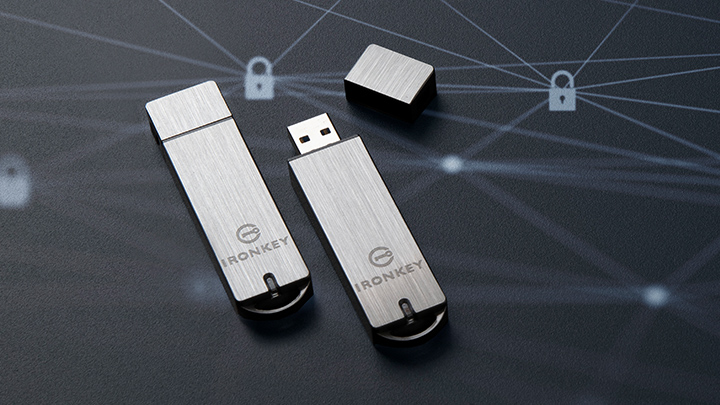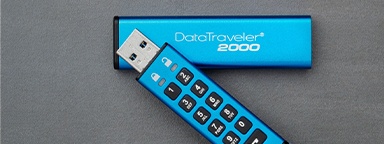
In the ongoing battle for data security, the choice between hardware- and software-based encryption is pivotal. As data breaches, cyber threats, and privacy risks continue to rise, encryption is no longer optional; it is essential. From securing portable files on USB flash drives, to protecting backed-up data on external SSDs, and even safeguarding information stored on server SSDs in enterprise environments, encryption helps ensure data remains unreadable to unauthorized users.
While both hardware and software encryption are designed to protect data, they operate in fundamentally different ways. The difference between them goes far beyond implementation details and understanding these distinctions is key to selecting the right solution for personal, business, or enterprise use.
This article explains how encryption works in USB drives and SSDs, breaks down the differences between hardware and software encryption, and helps you choose the right approach based on your environment and data security requirements.
What is encryption in USB drives and SSDs?
Encryption in USB drives and SSDs goes beyond simply using a password protected flash drive. Adding a password using basic OS file or folder locking tools can restrict access to a device or file, but it does not necessarily protect the data itself.
Encryption adds a deeper layer of security. It is the process of converting readable data into an unreadable format, known as ciphertext, ensuring that only authorized users with the correct key, password, or authentication method can access it. In USB flash drives and SSDs, encryption ensures stored data remains inaccessible without proper authentication.
Encryption can be implemented in two primary ways, hardware‑based encryption, which is built directly into the storage device itself, and software‑based encryption, which relies on the host system. These differences have a direct impact on security, performance, and risk exposure.