Imagine you’re about to reach the next level of your favorite PS5 game and then your screen turns black with the message, ‘your PS5 is too hot’. PlayStations are built to keep themselves cool and expel any heat generated by intense usage. However, there is still a risk of your console overheating and sustaining lasting damage, especially when playing graphically demanding games.
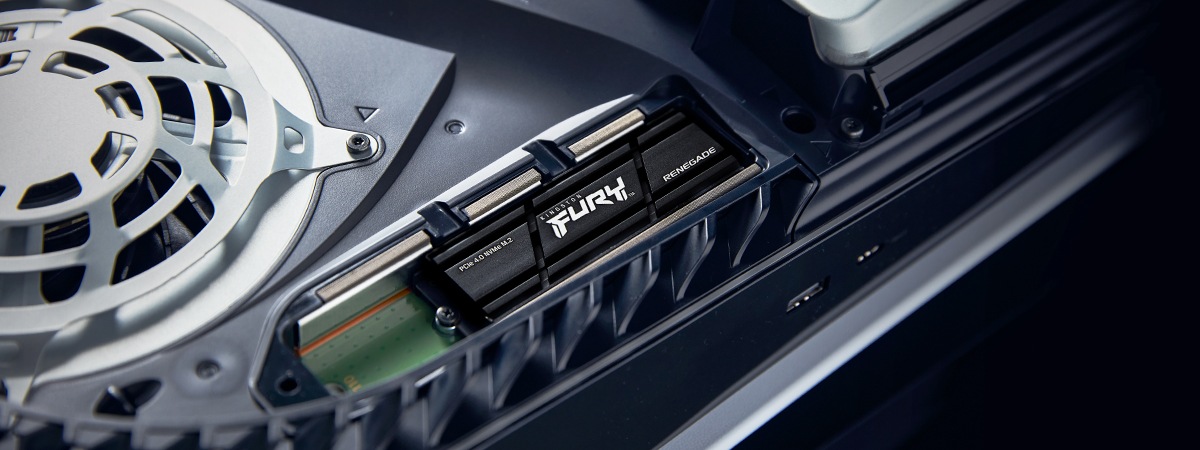
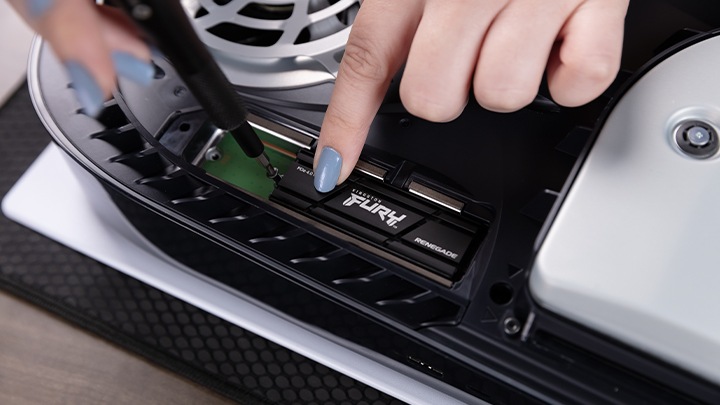
In this guide, we will explain why PS5 overheating occurs, how to fix common causes, and why using a heatsink SSD can play an important role in keeping your system running cool and smoothly.
Why the PlayStation 5 consoles run too hot
As with any high-performance gaming system, the PS5 generates a significant amount of heat while running modern games. Its internal cooling system is designed to manage this, but factors such as poor airflow, dust buildup, high room temperatures, or improperly installed components can cause heat to build up faster than the console can dissipate.
Signs your PS5 is overheating
Luckily, there should be some warning signs that your PS5 is getting too hot before it causes any lasting damage.
- The internal fans will let you know if the console is getting too hot as you will hear them making a loud and unusual noise.
- Performance issues can also be an indication of overheating, such as graphical glitches and sudden game crashes.
- If you do see the dreaded message: ”Your PS5 is too hot. Turn off your PS5, and wait until the temperature goes down.” This is the biggest warning sign that the console is overheating.
The PlayStation 5 also has built-in thermal protection, meaning it may automatically shut itself down if temperatures get too high to prevent potential hardware damage.