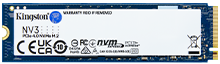
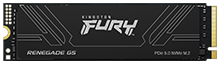
In the tech world, it’s important to revisit and re-evaluate our assumptions. With the rapid pace of progress and innovations, what is true one year may not be true the next, or new research may bring new light to old mistaken beliefs. For example, many accepted “truths” about SSDs may be anything but. A few of them are examined below.
SSDs never fail
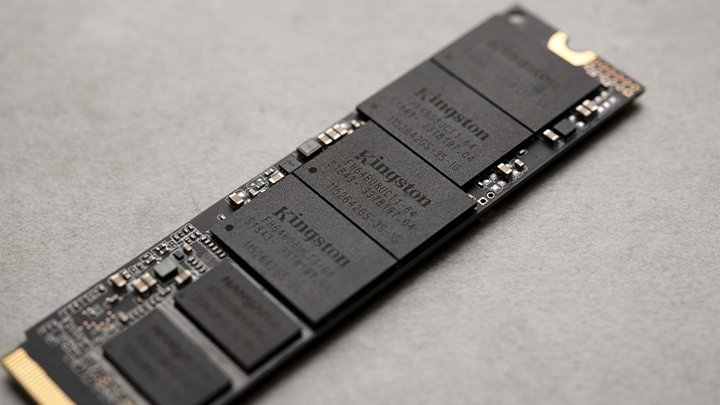
SSDs are made of flash cells unlike their predecessors, hard disk drives (HDDs), which store data on magnetic disks. Each SSD comes with a limited amount of terabytes written (TBW) before they become read-only, no longer able to have new data written to them. Other failures are possible during the regular lifespan of a drive, which is why it’s important to order SSDs from dedicated suppliers that thoroughly test every drive they make for quality. So, while it has been readily established that SSDs can fail, they are still far more reliable than their mechanical counterparts.
SSDs always improve performance
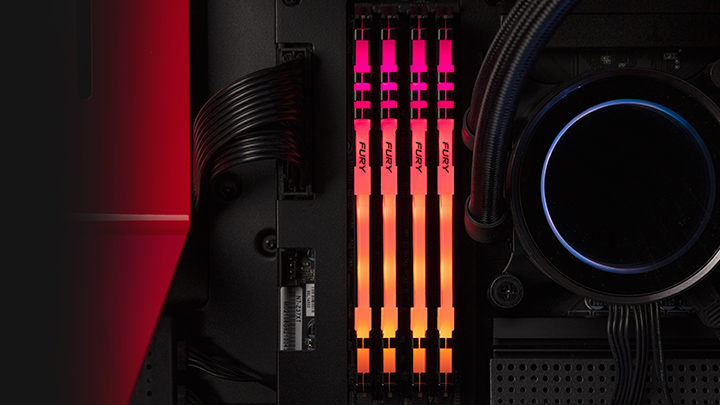
SSDs are very useful. What they are not, however, are silver bullets for underperforming computers. If you want to reduce load times for the operating system, games, or other software, an SSD will get you there. If you want to enhance FPS in those games, or improve multi-tasking, you need a different kind of upgrade. Consider upgrading your DRAM, or a new GPU.
SSDs only improve boot time
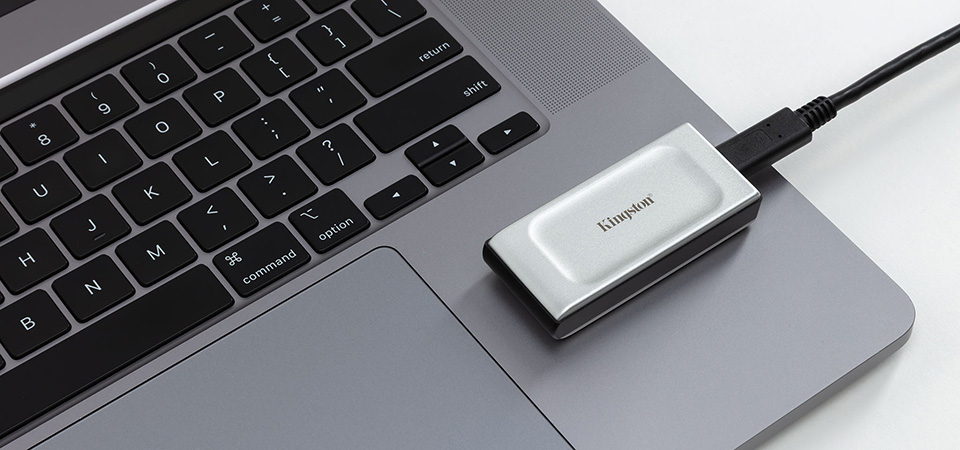
While improving FPS is not within an SSD’s capabilities, there are many benefits to SSDs besides boot time (although that is a significant and easily notable improvement). SSDs are generally faster than HDDs. They produce less heat and noise when operating. They take up less space. They’re more energy efficient. They excel for gaming and other high-intensity tasks. And importantly for laptops and other portables, they’re much more impact resistant. SSDs clearly offer advantages for users above and beyond simple boot time.
SSDs lose their data if unpowered
This is less of a "myth" and more of a misunderstood technical truth. While it is true that NAND flash stores data as an electrical charge that can slowly leak over time, the misinformation lies in the timeline; the concern that your files will vanish after a few weeks or months in a drawer is a significant over-exaggeration.
Industry standards require consumer SSDs to retain data for at least one year without power even at the end of their rated endurance. In practice, lightly used drives stored in normal conditions often retain data for much longer. Factors like heat, wear level (P/E cycles), and NAND type (TLC vs. QLC) all affect retention, so long-term storage results can vary.
For most users, this is not a practical danger so much as a storage caveat. SSDs are not ideal for indefinite offline archiving, but they are far more reliable than the "instant-loss" myths out there suggest. If long-term unpowered storage is unavoidable, powering the drive on occasionally allows the controller to refresh weak cells and gives you a chance to review the drives SMART health and firmware status.
Hibernation mode is bad for SSDs
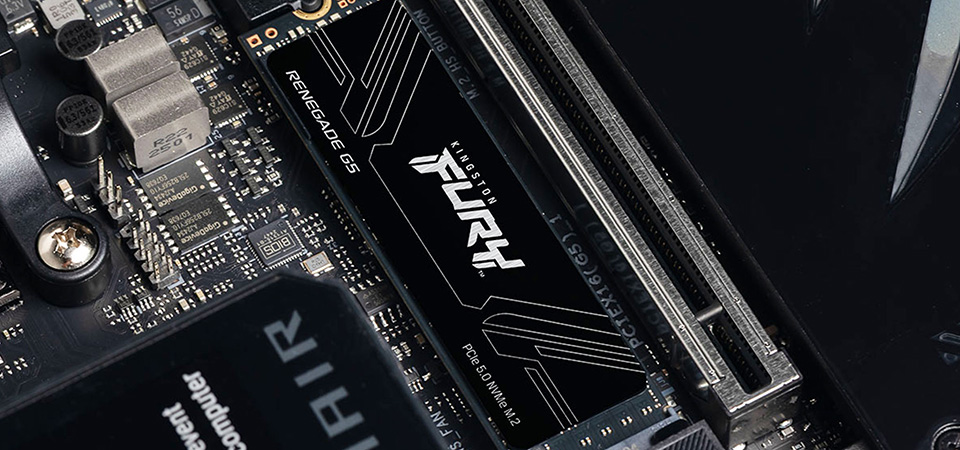
Hibernation mode is when your system’s RAM contents are written to storage so that your computer can pick up where it left off later. Some people speculate that since this requires more P/E cycles, that it’s detrimental to an SSD’s overall lifespan. In reality, daily hibernation has a negligible effect on the drive’s lifespan per year. Hibernating just isn’t very impactful for SSDs.
Upgrading to an SSD is difficult
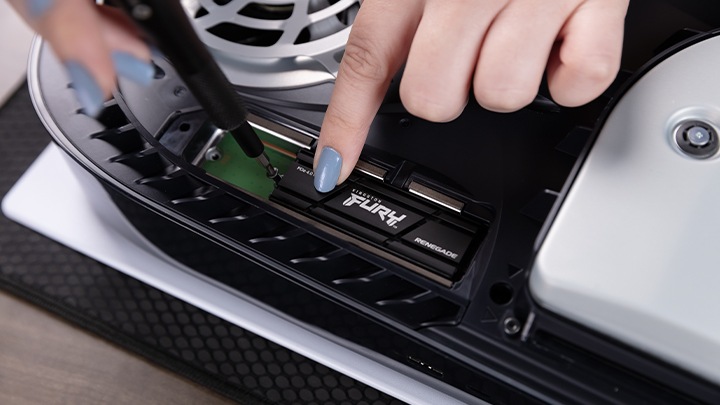
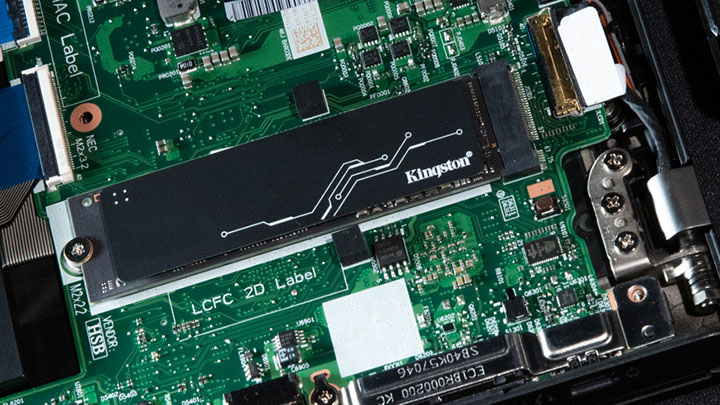
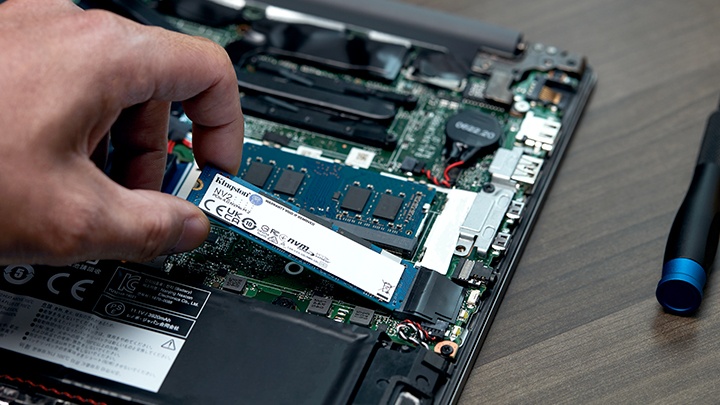
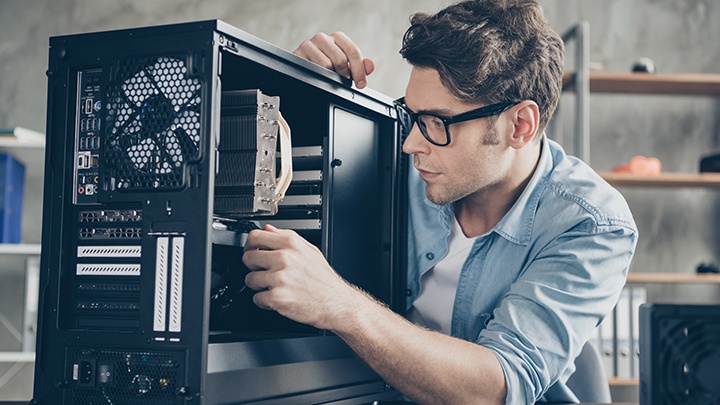
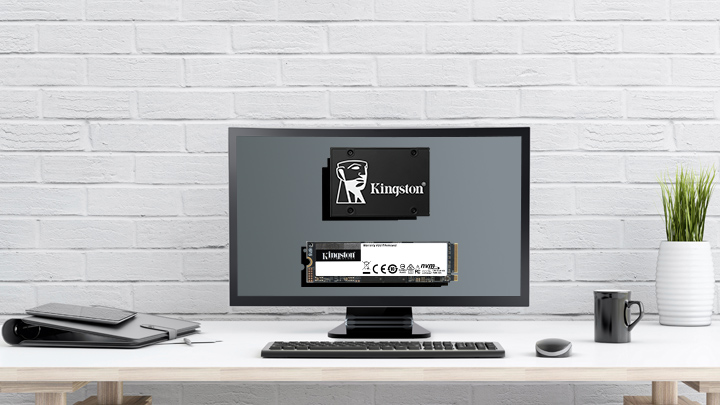
This is a case of a myth that might have been true ten years ago, but these days nearly every computer is made for SSDs as default. It’s never been easier to install an SSD on a computer. Of course, when you are considering upgrading to an SSD, or replacing an aging one, you should make sure you choose a quality drive that has been rigorously tested, to minimize the possibilities of charge leaking or other drive failure. Kingston SSDs inspire confidence with a patented testing process that ensures reliability and simple installation.